1
Create an Events & logs endpoint
Follow Collect errors and events, and enter your site under Allowed websites, e.g. shop.example.com.
The push URL is visible to anyone who looks at your page's code. Allowed websites makes sure only your own site can send data to it. Add
*.example.com for subdomains, or localhost:5173 while developing.2
Add this to your site
Put it at the start of your main script, so it catches as much as possible:
const UPGURU_URL = "https://upguru.io/api/push/YOUR-TOKEN";

function reportError(error, message) {
  fetch(UPGURU_URL, {
    method: "POST",
    keepalive: true, // still sent when the visitor leaves the page
    body: JSON.stringify({
      level: "error",
      message: message || String(error),
      context: {
        page: location.href,
        browser: navigator.userAgent,
        exception: error && { class: error.name, message: error.message, trace: error.stack },
      },
    }),
  }).catch(() => {});
}

window.addEventListener("error", (e) => reportError(e.error, e.message));
window.addEventListener("unhandledrejection", (e) => reportError(e.reason));
No
Content-Type header is needed: we recognize JSON by itself, and leaving the header out saves the browser an extra request.3
See the errors
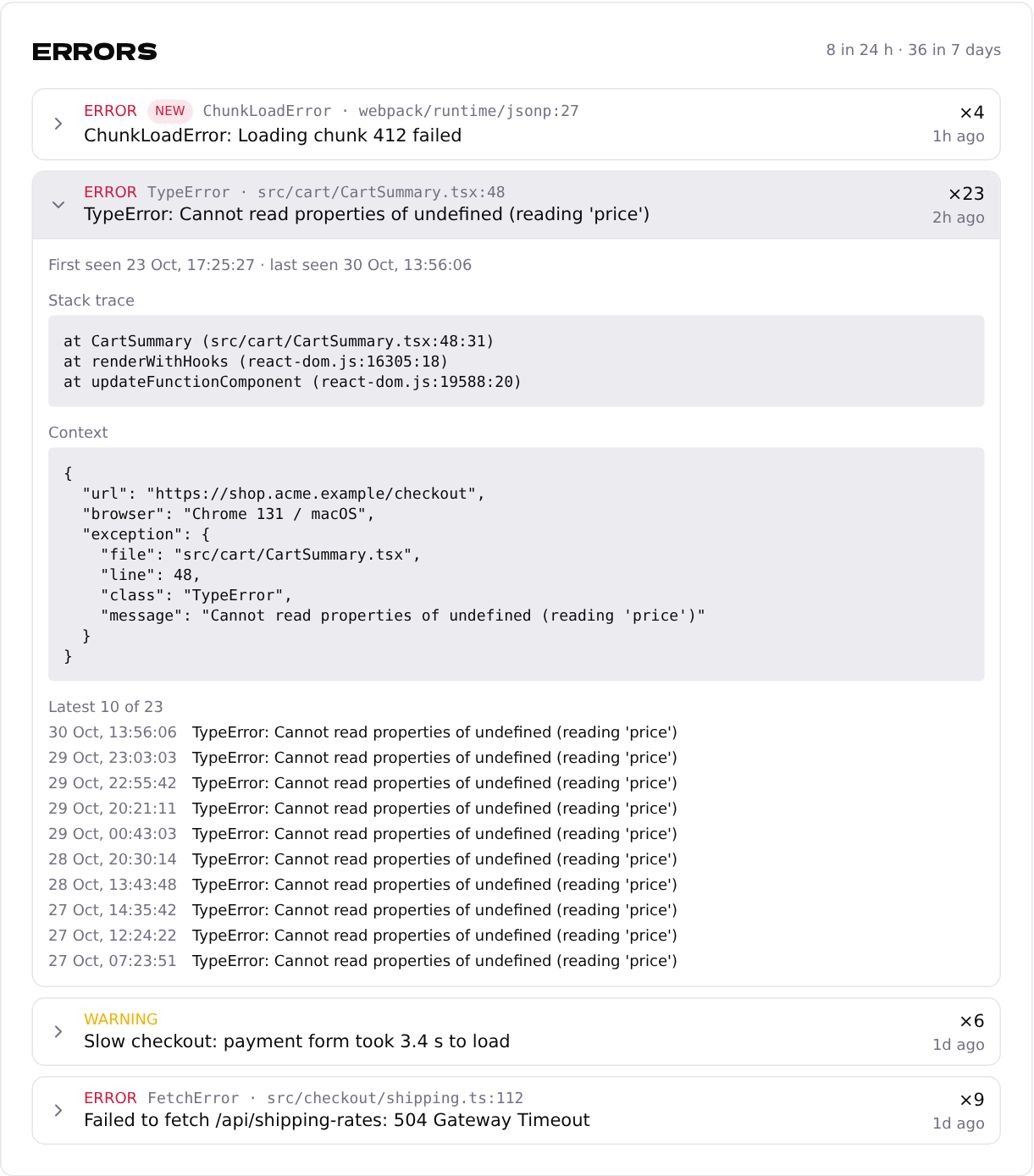
The same error from a thousand visitors becomes one row under Errors, with how often it happened and the stack trace. You get an email when a new kind of error appears.