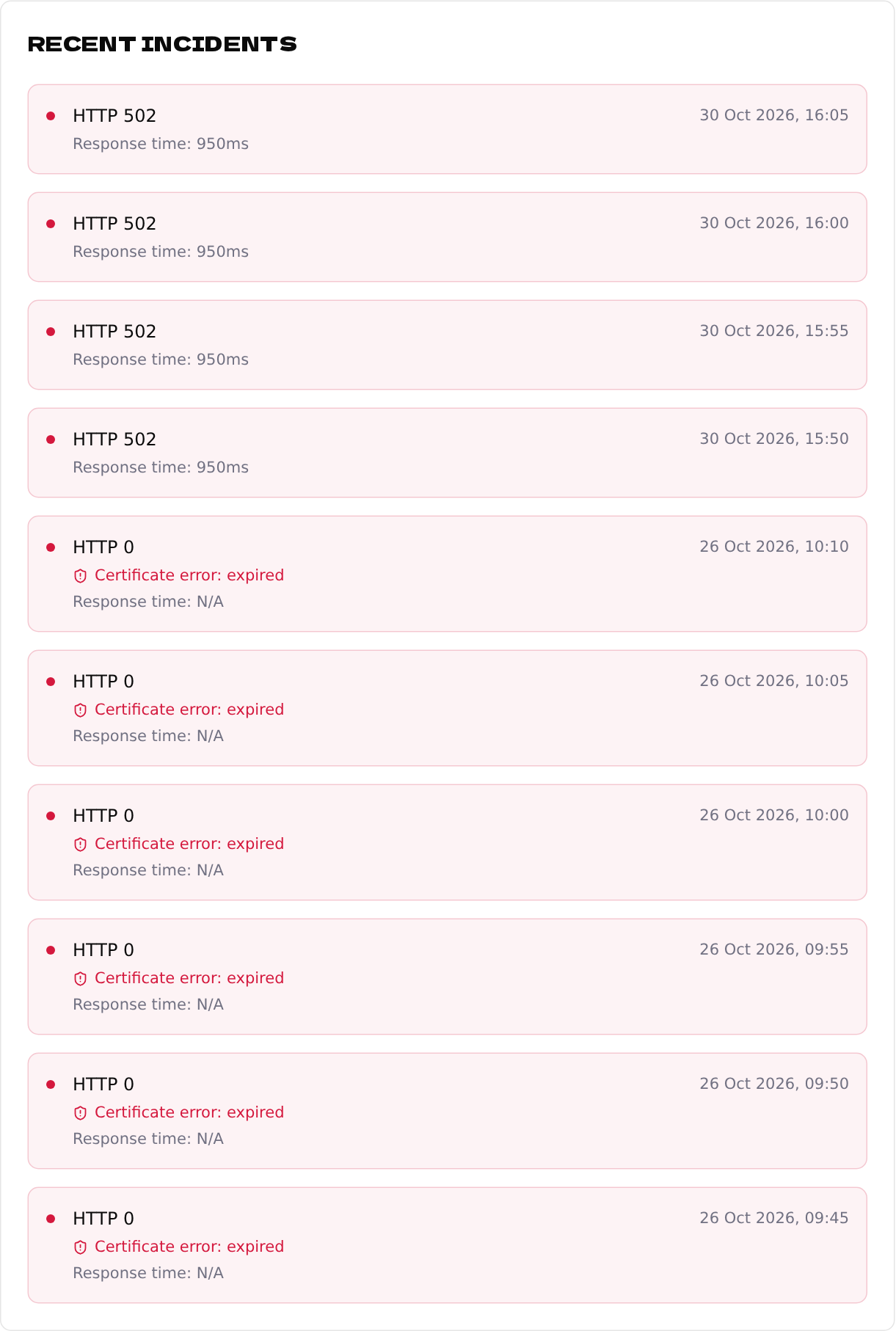
Every check of an https:// address also checks its SSL certificate. When the certificate is broken, visitors see a scary warning instead of your site — and we tell you right away.
1
What we detect
- •expired — the certificate wasn't renewed in time.
- •hostname mismatch — the certificate is for a different domain.
- •unknown certificate authority — e.g. a self-signed certificate.
- •invalid or verification failed — anything else that makes browsers reject it.
2
Turn the alert on or off
SSL certificate problem is on by default for email. You can switch it, and its webhook counterpart, in the endpoint's Alerts card.
We alert you when the certificate has already stopped working; there is no warning days before it expires. Let your hosting renew certificates automatically (e.g. with Let's Encrypt) and use this alert as the safety net.