1
Send the output as the message
Whatever you send in the body becomes the message. This runs the job, sends what it printed, and marks it as an error when the job failed:
output=$(/opt/export.sh 2>&1); code=$?
if [ $code -eq 0 ]; then level=info; else level=error; fi
printf "%s" "$output" | tail -c 60000 | curl -fsS -X POST --data-binary @- "https://upguru.io/api/push/YOUR-TOKEN?level=$level"
A message can be up to 64 KB, so
tail -c 60000 keeps the last part of a long output.2
Name what happened with a label
The level can be any word or phrase: info, error, import failed, skipped. Spaces need to be written as %20 in the URL, e.g. ?level=import%20failed. Words like error or failed make it an error; see Labels to change what counts as one.
3
Or send JSON
curl -fsS -X POST "https://upguru.io/api/push/YOUR-TOKEN" -H "Content-Type: application/json" \
  -d '{"level": "info", "message": "Exported 42 invoices", "context": {"duration": 12.4}}'
4
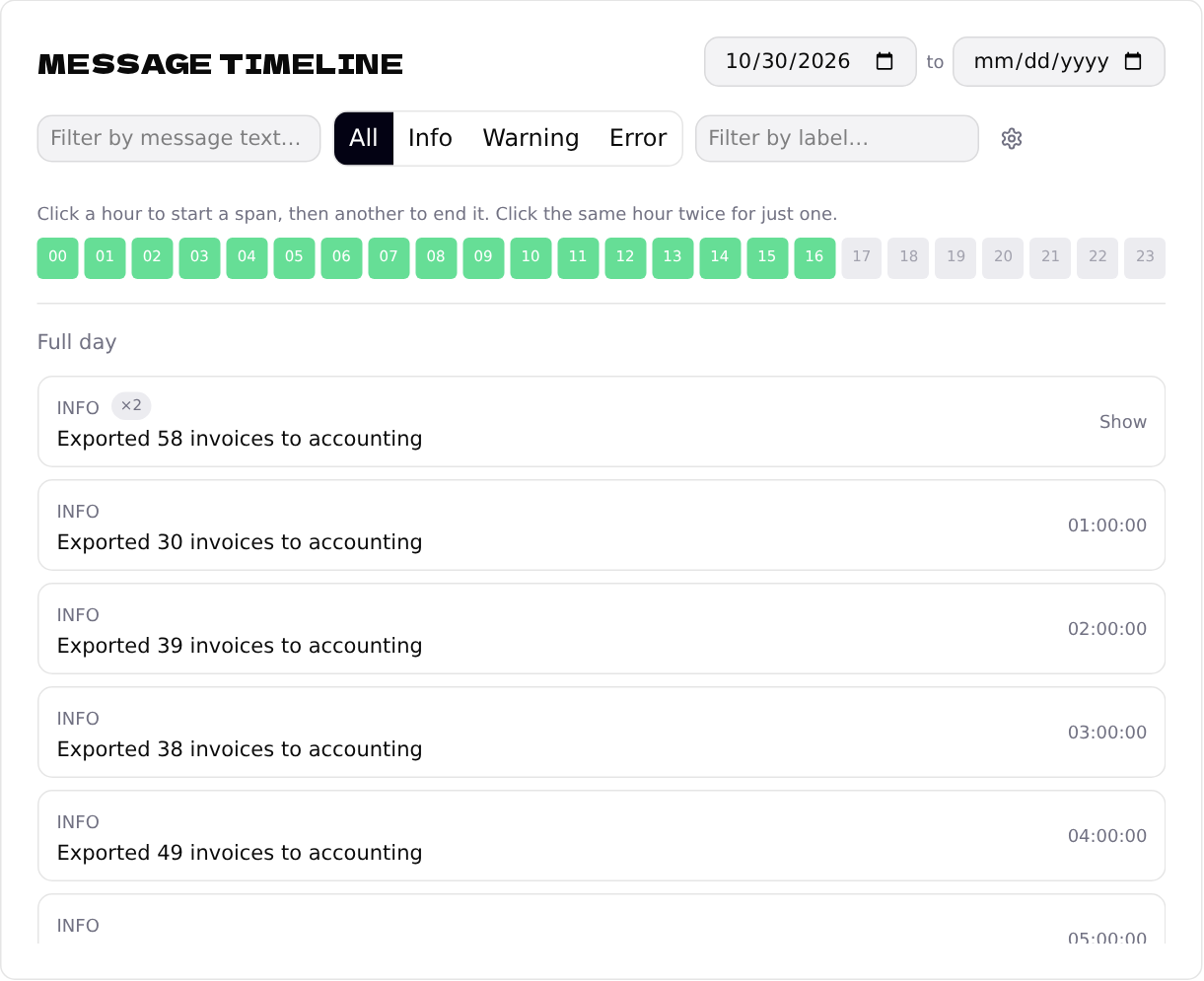
Read it on the timeline
Every message shows up on the endpoint's Message timeline. Click an hour to see what the job sent.